Description
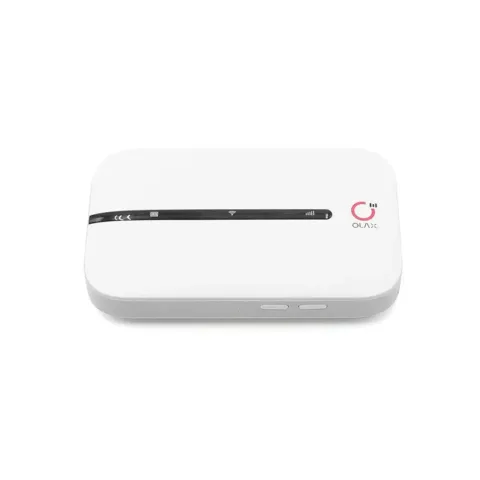
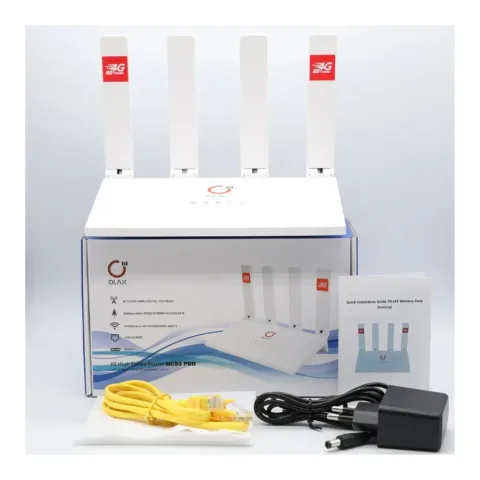
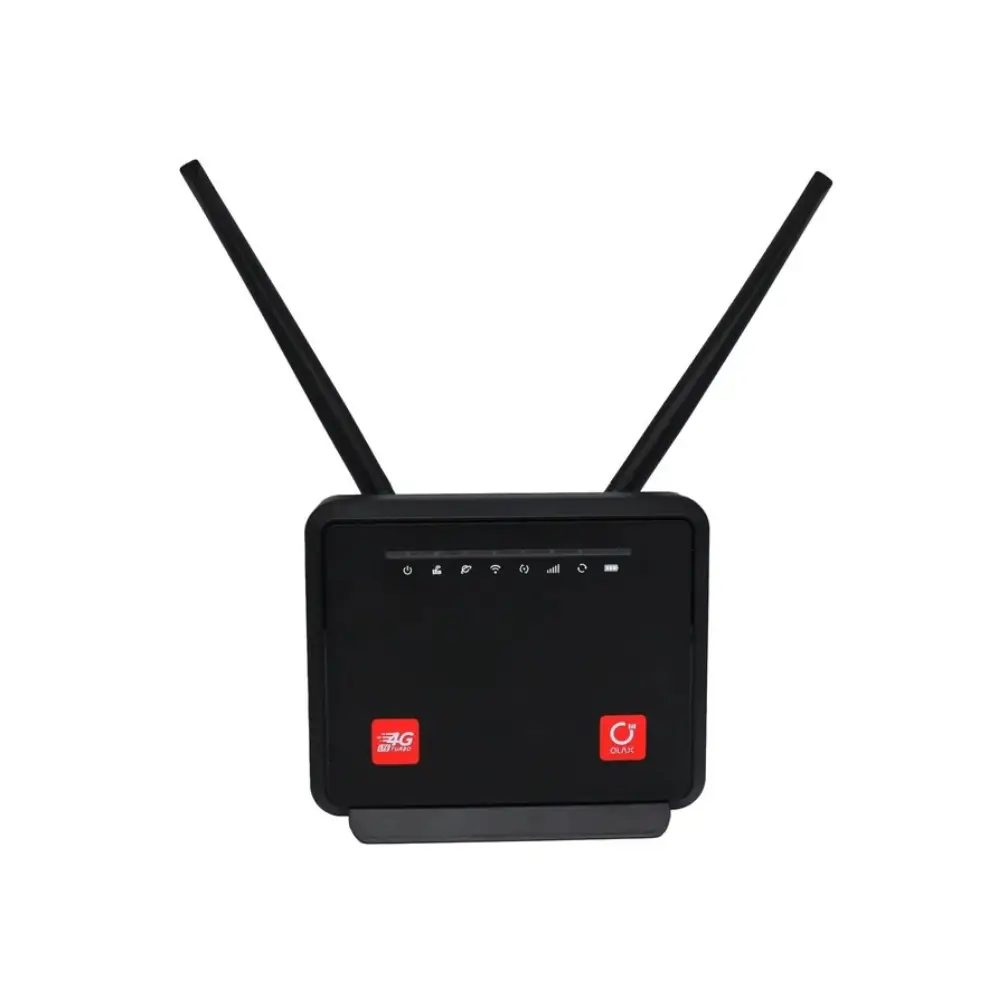
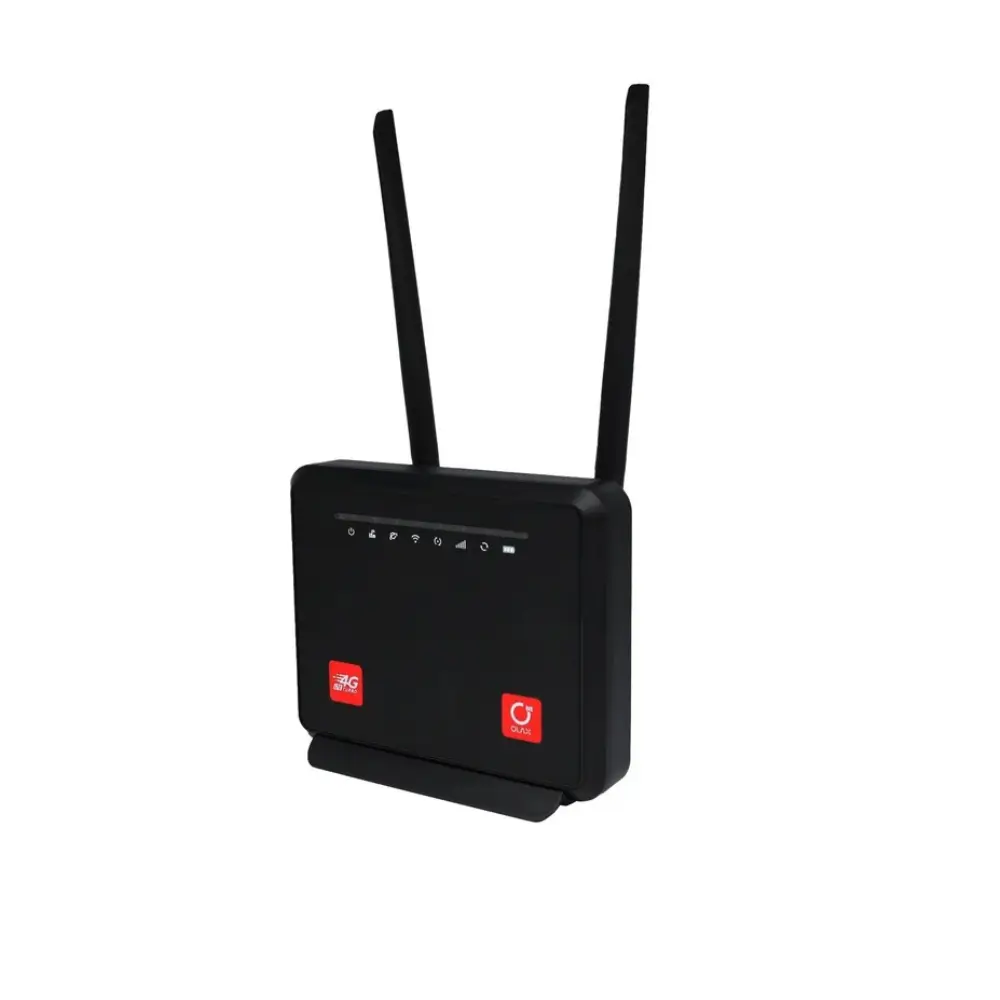
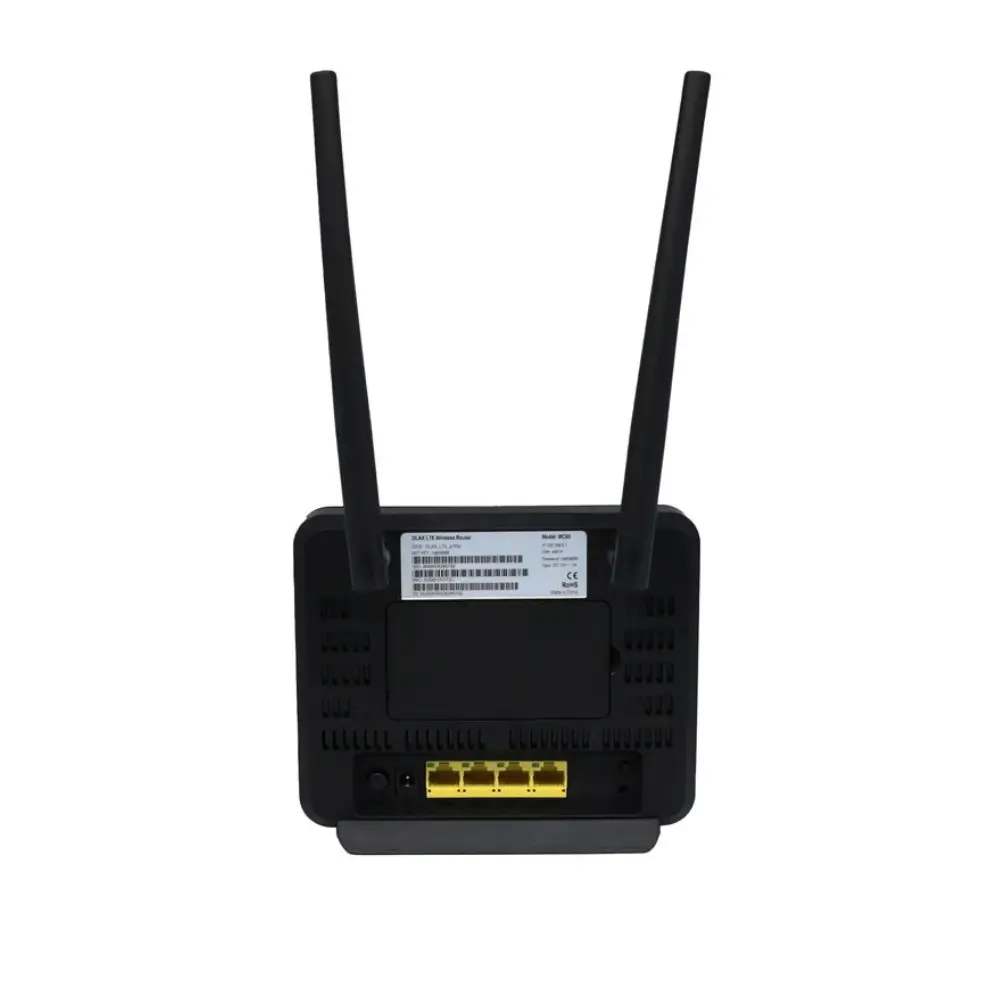
The Olax MC60 4G LTE WiFi router turns any active Nano SIM into a shared internet connection for your home or small office. With LTE speeds of up to 150Mbps download and 300Mbps WiFi, it lets you connect phones, laptops, smart TVs and more without waiting for a broadband line.
If you are looking for an Olax router that combines wireless coverage with wired Gigabit ports, the MC60 delivers both. Four LAN ports let you plug in a PC, printer or CCTV recorder directly, while WiFi serves up to 32 wireless devices.
It suits everyday use such as streaming, video calls, online classes and remote work, especially where fixed broadband is unavailable or unreliable.
Key Features
- 4G LTE speeds up to 150Mbps download and 50Mbps upload: Use a fast mobile data connection for streaming, downloads and video meetings.
- 300Mbps WiFi (802.11b/g/n, 2.4GHz): Provides wide wireless coverage for phones, laptops, tablets and smart TVs around your home or office.
- Supports up to 32 connected devices: Lets a family or small team share one SIM connection at the same time.
- 4 x Gigabit LAN ports (10/100/1000Mbps) and 1 x WAN port: Connect desktops, printers, IP cameras or a smart TV by cable for a more stable link.
- 4FF Nano SIM slot (SIM/USIM/UIM, 3V and 1.8V): Insert your SIM and start sharing data, with no fixed line needed.
- 4G, 3G and 2G network support: Falls back to 3G or 2G (HSPA+ up to 21Mbps download) when 4G coverage is weak.
- Flexible power input (DC 12V/800mA or Type-C 5V/1000mA): Power it from the adapter or a Type-C source, which helps in places with frequent load-shedding.
- WPA2-PSK and WPA-PSK security with Firewall and VPN support: Helps keep your wireless network protected from unwanted access.
- WPS, WDS, QoS and VoIP features: Pair devices quickly, extend your network and manage traffic for smoother everyday use.
Why Choose the Olax MC60 4G LTE WiFi Router
The Olax MC60 is a practical choice if you want internet that works wherever you have mobile coverage. You can set it up in minutes by inserting a Nano SIM and powering it on, so there is no need to wait for a broadband technician.
Having both WiFi and four Gigabit LAN ports gives you flexibility. Wireless devices stay connected around the room, while a desktop PC or recording device can use a wired link. For shoppers searching for a dependable Olax router in Bangladesh, the MC60 covers the essentials: LTE speed, multi-device sharing, security options and flexible power input.
It is also a sensible backup connection. If your main broadband goes down, a SIM-based router keeps your work and calls running.
Best Use Cases
- Home internet: Share one SIM with the whole family for streaming and browsing.
- Small office or shop: Connect PCs and printers by LAN and staff devices by WiFi.
- Remote work and online classes: Keep a separate, dedicated connection for calls and study.
- Backup connection: Stay online when your fixed broadband is down.
Technical Specifications
| Brand | Olax |
|---|---|
| Model | MC60 |
| Type | 4G LTE CPE WiFi Router |
| Max Download Speed (LTE) | 150Mbps |
| Max Upload Speed (LTE) | 50Mbps |
| Max Download Speed (HSPA+) | 21Mbps |
| Max Upload Speed (HSPA+) | 5.76Mbps |
| Wi-Fi Frequency | 2.4GHz |
| Wi-Fi Speed | 300Mbps |
| Wi-Fi Standard | 802.11b/g/n |
| Max Connected Devices | 32 |
| LAN Ports | 4 x RJ45 (10/100/1000Mbps) |
| WAN Port | 1 x RJ45 |
| SIM Card Type | 4FF Nano SIM (supports SIM/USIM/UIM) |
| SIM Voltage | 3V and 1.8V |
| Network Support | 4G LTE, 3G, 2G |
| Power Input | DC 12V/800mA or Type-C 5V/1000mA |
| Security | WPA2-PSK, WPA-PSK |
| Additional Features | WDS, WPS, VoIP, Firewall, QoS, VPN |
Compatibility
- Works with 4FF Nano SIM cards (SIM/USIM/UIM) on 4G LTE, 3G and 2G networks.
- Connects to any WiFi device that supports 802.11b/g/n on 2.4GHz, such as phones, laptops, tablets and smart TVs.
- Wired devices such as PCs, printers and recorders can connect through the RJ45 Gigabit LAN ports.
Frequently Asked Questions
What is the Olax MC60?
The Olax MC60 is a 4G LTE CPE WiFi router that uses a Nano SIM to create a WiFi network with up to 300Mbps wireless speed and four Gigabit LAN ports.
How many devices can connect to the Olax MC60?
It supports up to 32 connected devices, including wired and wireless ones.
What SIM card does the Olax MC60 use?
It uses a 4FF Nano SIM card and supports SIM, USIM and UIM types at 3V and 1.8V.
What is the maximum speed of this 4G router?
The LTE connection reaches up to 150Mbps download and 50Mbps upload. Actual speed depends on your SIM operator, signal strength and network load.
Does the Olax MC60 support 5GHz WiFi?
No. It operates on 2.4GHz with the 802.11b/g/n standard, at up to 300Mbps.
How can I power the Olax MC60?
You can use a DC 12V/800mA input or a Type-C 5V/1000mA input.
Does this Olax router have LAN ports for wired devices?
Yes. It has four RJ45 Gigabit LAN ports (10/100/1000Mbps) and one RJ45 WAN port, so you can connect PCs, printers and other wired devices.
Is the Olax MC60 available in Bangladesh?
Yes. You can order the Olax MC60 4G LTE WiFi router from Gadget Striker with delivery across Bangladesh and warranty support.
Conclusion
The Olax MC60 4G LTE WiFi router is a dependable way to share a SIM-based internet connection through WiFi and Gigabit LAN. Get the Olax MC60 at the best price in Bangladesh from Gadget Striker with fast delivery and warranty support. Order yours today.
No reviews yet. Bought this? Tell others how it works for you.