Description
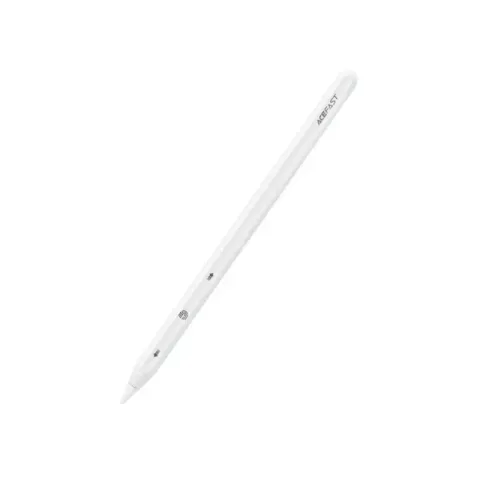
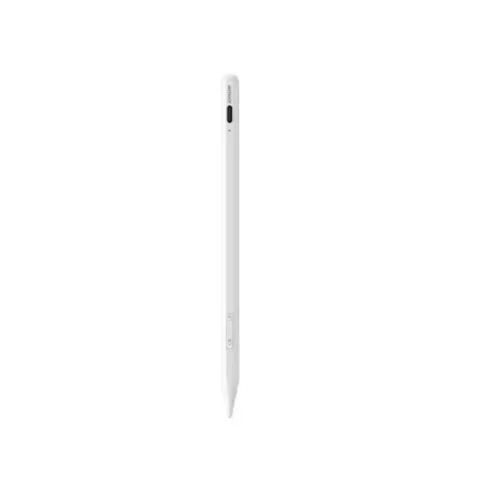
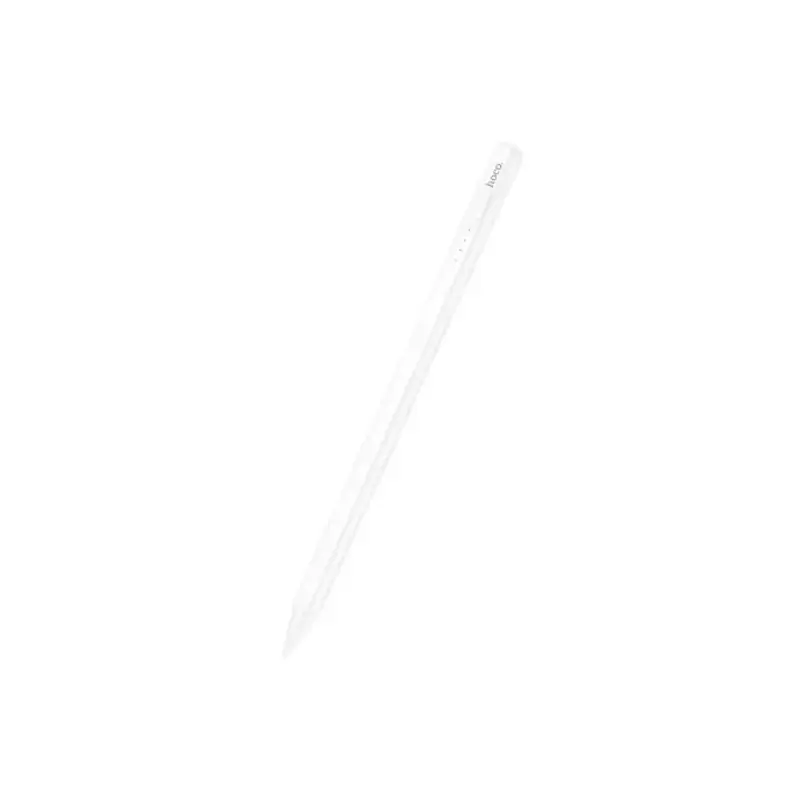
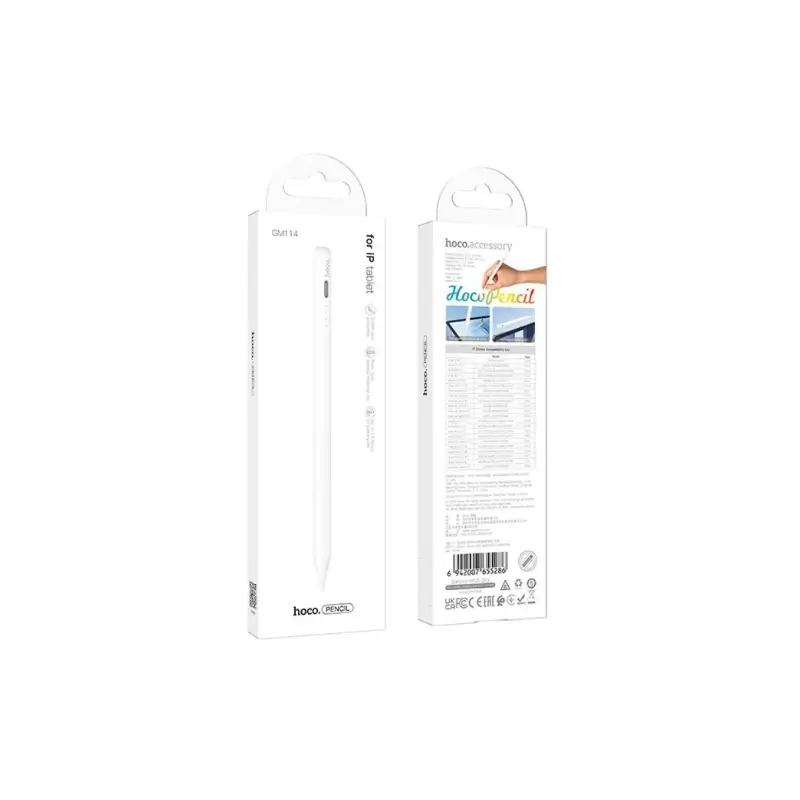
Hoco GM114 Smart Active Stylus Pen for iPad with Palm Rejection
The Hoco GM114 Smart is a stylus pen for iPad built for smooth writing, sketching and note-taking. Full-screen palm rejection lets you rest your hand on the screen while you work, so stray marks stop interrupting your flow.
It is an active capacitive stylus with pressure sensitivity and tilt support, so your strokes can vary from thin to bold. Students, designers and professionals who want a reliable hoco stylus pen for daily iPad use will find it easy to pick up. It works with iPad tablets released after 2018.
Charging is quick: about 30 minutes gives up to 14 hours of use. The pen attaches magnetically to your iPad, so it stays within reach between classes, meetings and sketching sessions.
Key Features
- Active capacitive technology: Gives precise, responsive input on iPad, so handwriting and drawing feel natural.
- Pressure sensitivity: Reads how hard you press, so you can control line thickness for sketches and lettering.
- Tilt support: Detects the pen angle, which lets you shade and add texture the way you would with a pencil.
- Full-screen palm rejection: Ignores accidental palm contact, so you can write comfortably without stray lines.
- Magnetic attachment: Snaps onto the iPad, so the pen is easy to carry and hard to misplace.
- 130mAh battery with Type-C fast charging: About 30 minutes of charging gives up to 14 hours of use, which suits a full day of lectures or work.
- 5-minute auto-sleep: Powers the pen down when idle, which saves battery without any effort from you.
- 4-LED power indicator: Shows the remaining charge at a glance, so you know when to top up.
- Aluminum alloy and POM build: A lightweight, sturdy body that feels solid in the hand for long sessions.
- Spare nib included: You have a replacement ready when the first nib wears down.
Why Choose This Stylus Pen for iPad
If you use an iPad for study, work or creative projects, a dedicated stylus is faster and more accurate than a finger. The Hoco GM114 Smart gives you pressure sensitivity, tilt and palm rejection in one pen, which makes it a practical hoco stylus pen for everyday note-taking and sketching.
Fast Type-C charging means a short top-up is enough to get back to work. The spare nib and charging cable come in the box, so you can start using it right away. If you are looking for a stylus pen for iPad price in BD, Gadget Striker delivers across Bangladesh.
Best Use Cases
- Students: handwritten notes, annotating PDFs and solving problems
- Professionals: marking up documents and signing files
- Artists and designers: sketching, shading and digital illustration
- Home use: quick lists, planning and drawing
Technical Specifications
| Specification | Details |
|---|---|
| Brand | Hoco |
| Model | GM114 Smart |
| Type | Active capacitive stylus pen |
| Material | Aluminum alloy + POM + electronic components |
| Battery Capacity | 130mAh |
| Charging Port | Type-C |
| Charging Time | Around 30 minutes |
| Usage Time | Up to 14 hours |
| Pressure Sensitivity | Yes |
| Tilt Support | Yes |
| Palm Rejection | Full-screen |
| Attachment | Magnetic |
| Auto-Sleep | After 5 minutes |
| Power Indicator | 4 LEDs |
| Compatibility | iPad tablets (released after 2018) |
 Compatibility
The Hoco GM114 Smart is designed for iPad tablets released after 2018. Check that your iPad falls in that range before ordering.
Package Includes
- 1 x Hoco GM114 Smart Active Stylus Pen
- 1 x Spare nib
- 1 x Charging cable
Frequently Asked Questions
Is the Hoco GM114 Smart compatible with my iPad?
It works with iPad tablets released after 2018. Check your iPad's release year before ordering.
How long does the Hoco GM114 stylus take to charge?
It takes around 30 minutes through the Type-C port, which gives up to 14 hours of use.
Does this stylus pen support palm rejection?
Yes. It has full-screen palm rejection, so you can rest your hand on the iPad while writing or drawing.
Does it support pressure sensitivity and tilt?
Yes. Pressure sensitivity and tilt are both supported, which helps with shading and varied line weights.
Does the pen turn off automatically?
Yes. It goes to sleep after 5 minutes of inactivity to save battery. The 4-LED indicator shows the charge level.
What comes in the box?
The box includes the stylus pen, a spare nib and a charging cable.
Is the Hoco stylus pen good for note-taking and drawing?
Yes. This hoco stylus pen gives precise input with pressure and tilt, which suits handwriting, annotation and sketching on a supported iPad.
Where can I get the Hoco GM114 Smart stylus pen in Bangladesh?
Gadget Striker sells it with delivery across Bangladesh. Please confirm warranty details with the team when you order.
No reviews yet. Bought this? Tell others how it works for you.